 PhotoNote
Snap a photo.
That's your memo.
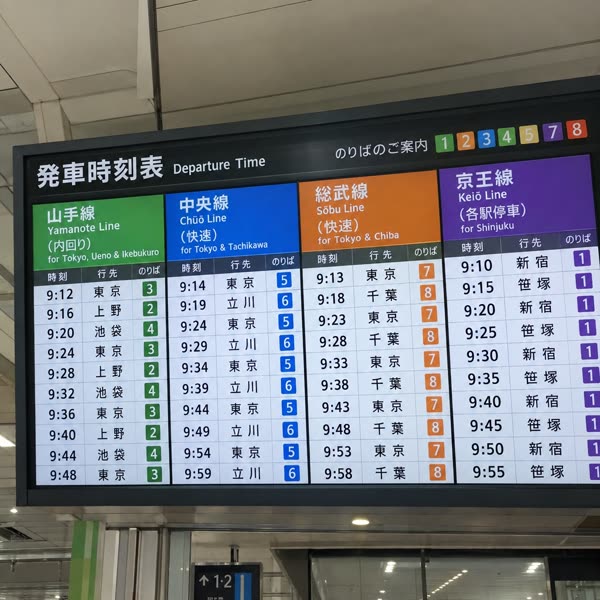
Receipts, timetables and more: just take a photo with the in-app camera. Sort your memos with colored tags. They never mix with your photo library.


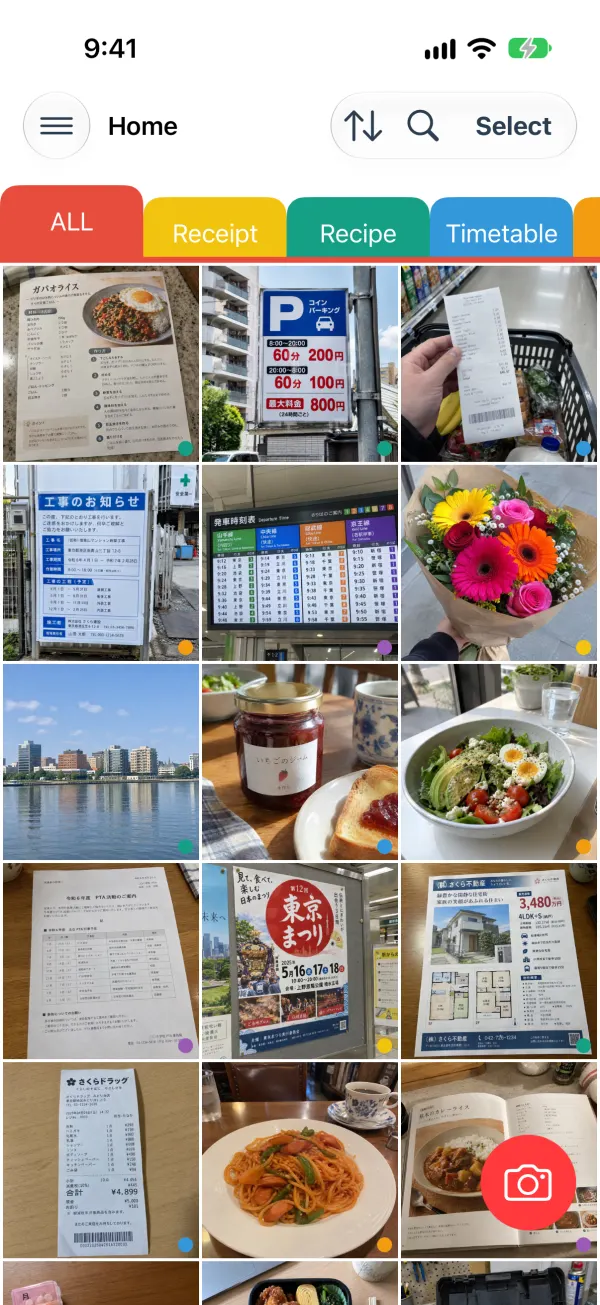
Keep photo memos out of your photo library
Snap, sort and look back. Photos you take as memos stay inside the app.
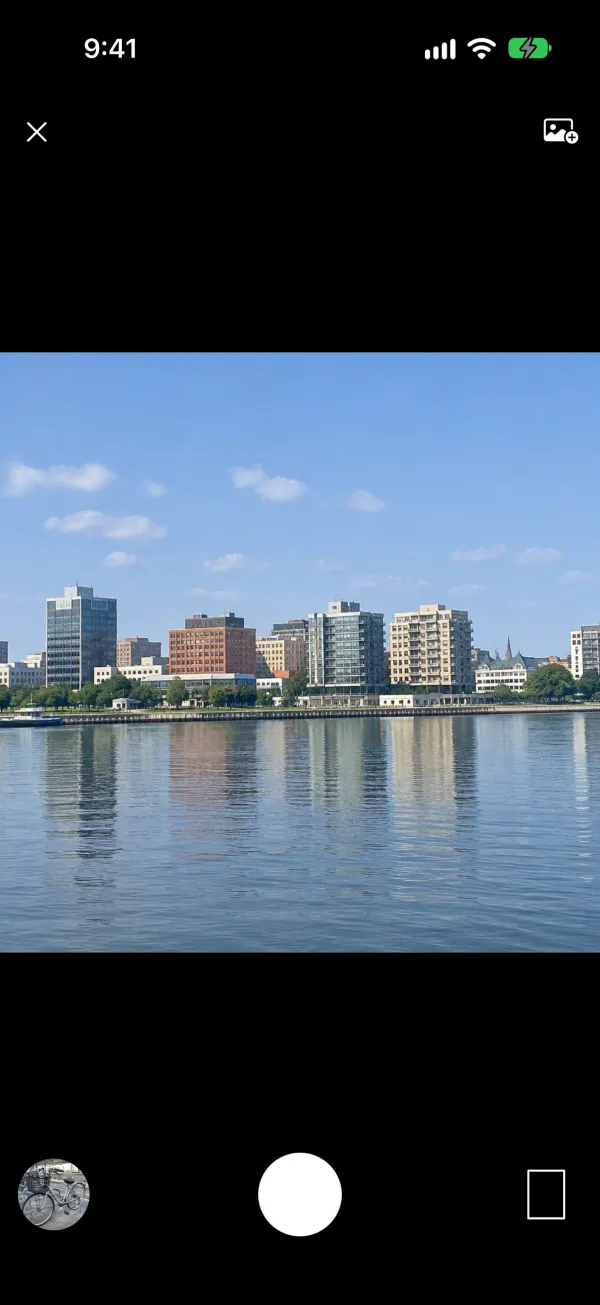
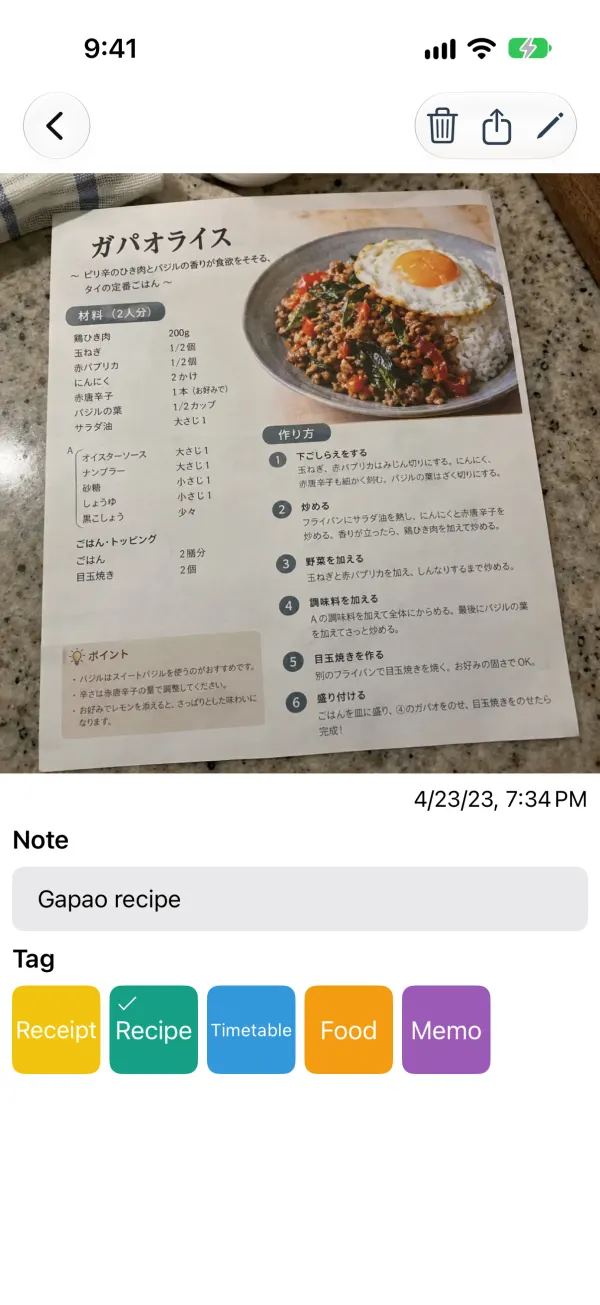
A photo becomes a memo
Open the app and press the shutter, and the photo becomes a memo. You can add a short note to it. The in-app camera is quiet, so you can take memos without worrying about the people around you.
Keeps your photo library tidy
Photos you take are saved inside the app. Your camera roll keeps only your travel and family photos.
Sort with colored tags
Create tags such as “Receipts” or “Timetables”, give them colors and switch between them with tabs. You can reorder both tags and memos.
Gather the images you already have
Pick images from your albums or send them from other apps with the share button. Screenshots can go in too.
Open it from widgets
On iPhone, open the camera right from the Lock Screen or Control Center. On Android, show a memo of your choice in a home screen widget.
Find memos
Search by the text you wrote in your memos.
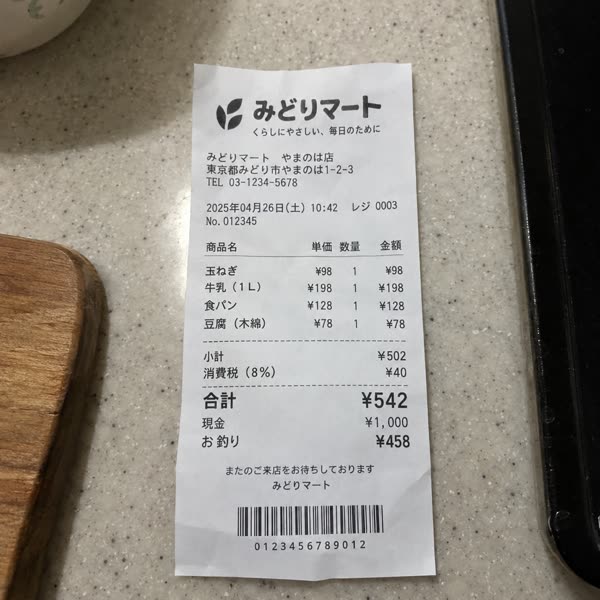
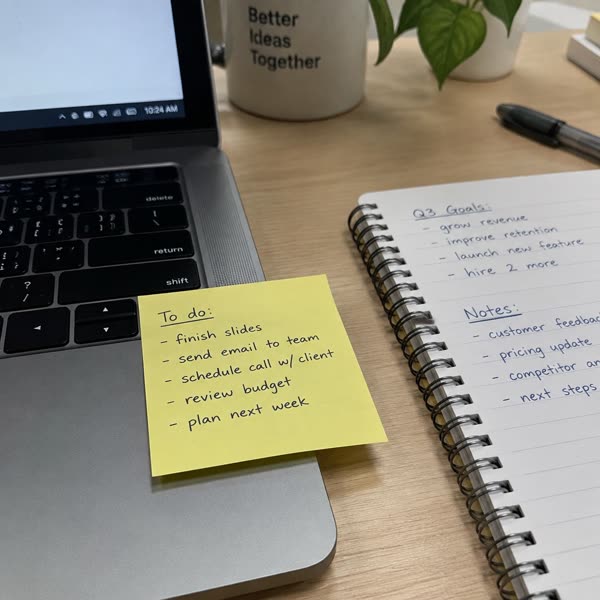
What people take photos of



Download for free
Available for iPhone and Android.